
 By Tommy Lee

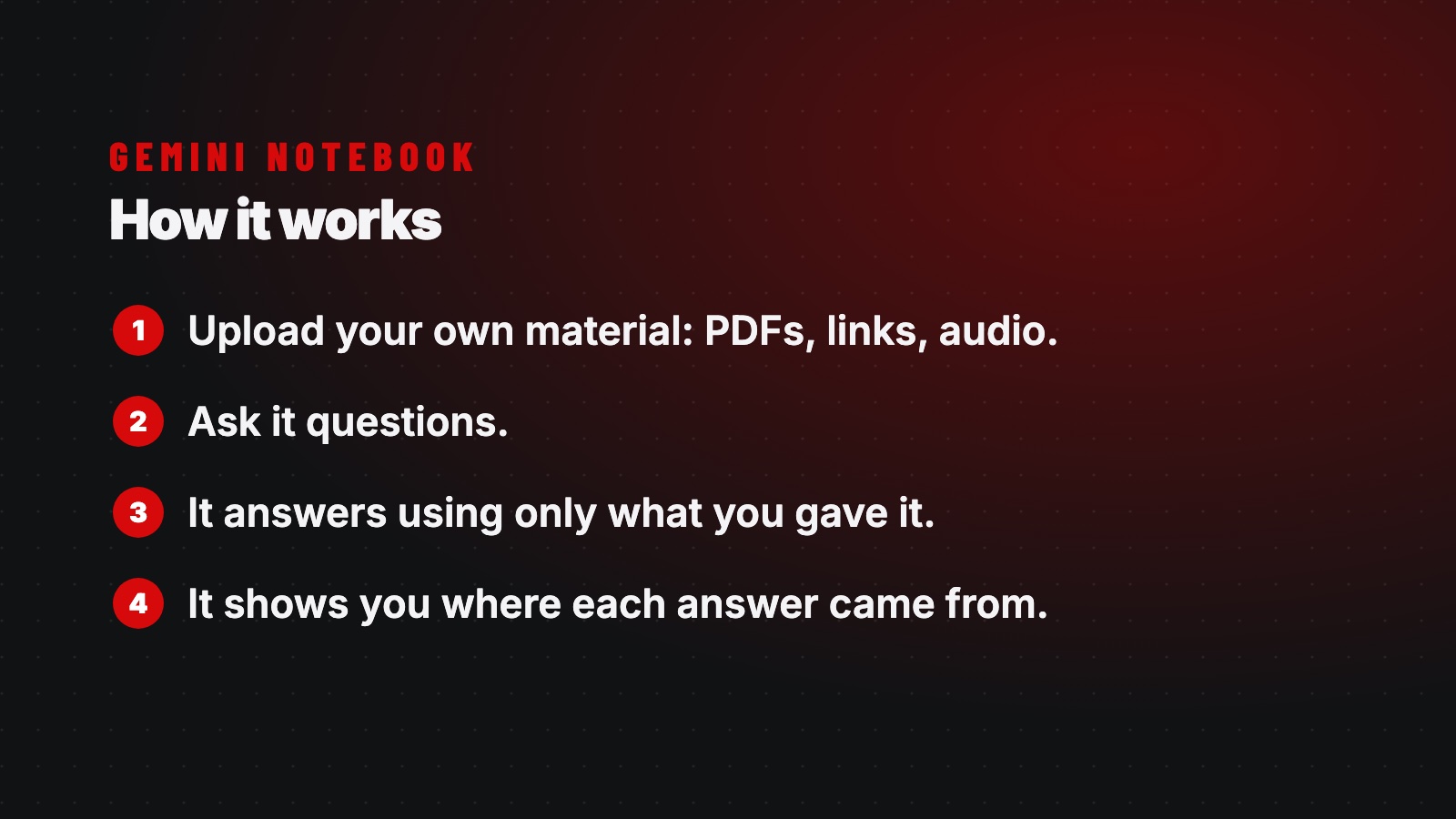
I recommend adding this one to your AI toolbox: Gemini Notebook, which used to be called Google NotebookLM. It is simple. You upload your own material, like PDFs, links, and audio, and then you ask it questions. It answers using only what you gave it, so it does not wander off or make things up, and it shows you exactly where each answer came from. That is why I like it.
You can take a big pile of documents and actually make sense of it in one place, whether you are doing research, going through reports, or studying a topic. It can even turn your documents into a short audio overview, almost like a podcast, with two voices walking through what you uploaded.
Here is how I would add it to your toolbox. Use your everyday AI like Claude or ChatGPT for writing, thinking, and building. Then use Gemini Notebook when you have your own sources and you want answers you can trust and check, because it keeps a private library of your documents and is built for real research on your own material.
Mastering Gemini Notebook
A step by step visual walkthrough for setting it up and getting the most out of it. Fourteen pages you can read or save.
Open the guide (PDF)