 TPL Notebook
New AI Tools for Everyday People: What Came Out This Past Month
 By Tommy Lee
Every week there is something new in AI. A new model, a new app, a new gadget. Most of the headlines are written for tech people, and it is hard to know what actually matters for the rest of us.
So here is a plain list of what came out between early October and early November 2026 that a regular person can actually use. I start with Claude, since that is the AI tool I use the most, and then cover what OpenAI, Apple, Google, Amazon, and Meta released.
A lot of these features are US only or need a paid plan. I note that on each one so you don’t get excited about something you can’t use yet.
New in Claude
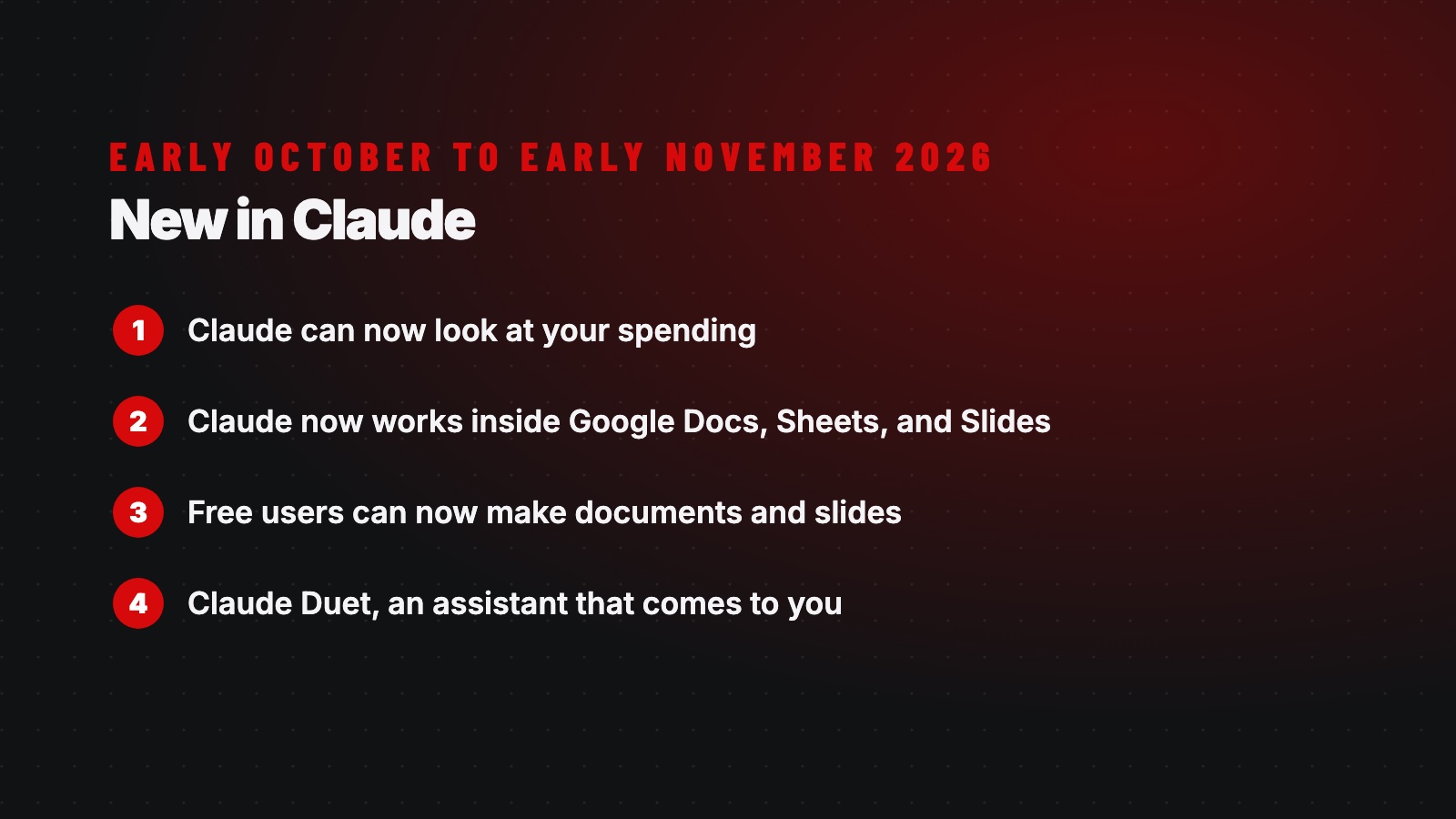
1. Claude can now look at your spending
On November 5, Anthropic released a personal finance feature in Claude. You connect your bank and credit card accounts, and then you can ask plain questions about your money, like “Where did my money go this month?” It sorts your spending into categories and can flag duplicate charges, surprise fees, or a bill that keeps creeping up.
It can only look. It can’t move money, pay bills, or invest for you. The bank connection goes through Plaid, the same service a lot of banking apps use, so Claude never sees your bank password. Anthropic also says conversations in this section are not used to train its AI.
Who can use it: Paid plans (Pro, Max, and Ultra), US only. It is still in beta.
2. Claude now works inside Google Docs, Sheets, and Slides
On October 6, Claude showed up as a side panel inside Google Docs, Sheets, and Slides. You can ask it to clean up a paragraph, build a spreadsheet formula or chart, or make new slides that match the look of your deck. It shows you every change before it makes it.
Try this: Open a budget in Google Sheets and ask Claude to build a “budget versus actual” summary tab.
Who can use it: All paid plans, in beta. You install it from the Google Workspace Marketplace. If your work uses a Team or Enterprise plan, your admin has to turn it on first.
3. Free users can now make documents and slides
Claude can make documents, slide decks, and simple designs right in the chat. Anthropic first rolled this out in September, and on October 8 it came out of beta for everyone, including the free plan. If you have never paid for Claude, this is the easiest one to try today.
Try this: Ask Claude to turn your meeting notes into a one page summary, or a talk outline into five simple slides.
4. Claude Duet, an assistant that comes to you
On October 21, Anthropic previewed a new app called Claude Duet. Most AI waits for you to ask it something. Duet is different. Each morning it sends you a short brief on what needs your attention across the apps you connect, like your email and calendar. You can hand it tasks, and it keeps working when you step away. It asks you first before it sends a message, pays for something, signs a document, or deletes anything.
Anthropic’s own examples are for small business owners: catching a calendar conflict, chasing unpaid invoices, and drafting follow up emails.
Who can use it: Paid plans, US only, and only by waitlist right now. It is an early test version.
Two smaller things
If you run a nonprofit or ministry, Anthropic expanded Claude for Nonprofits on October 26. Anthropic says verified nonprofits get a free add on, and a nonprofit Team plan now only needs two people.
And the $200 a month “Max 20x” plan has a new name, Ultra. Most people will never need it, but now you know what it means when you see it.
New in the rest of the AI world
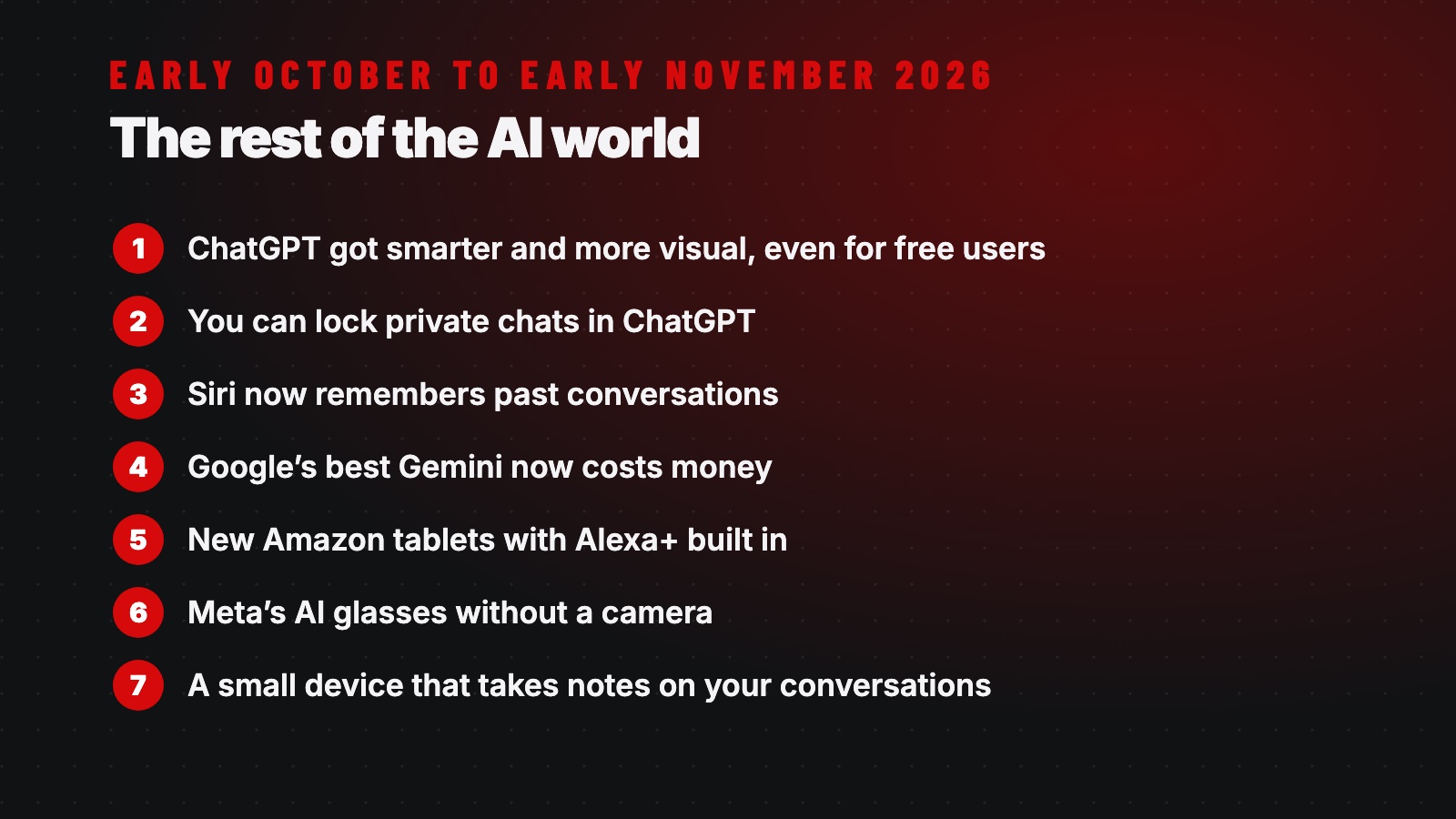
1. ChatGPT got smarter and more visual, even for free users
On October 7, OpenAI upgraded ChatGPT to its new GPT 6 models. Answers can now include charts, diagrams, buttons, and small tools, not just text. Free users got it on October 8, though they get a lighter version called GPT 6 Luna. Paid plans get the stronger GPT 6 Sol.
Try this: Ask it to help split a dinner bill between six people. You may get a working calculator right in the chat.
It is rolling out slowly, so you may not see the visuals yet.
2. You can lock private chats in ChatGPT
On October 20, ChatGPT added Locked Chats. You can put certain conversations behind a PIN or Face ID so they don’t show up in your history or search. Think of a chat about a health question or your finances. Someone borrowing your phone won’t see it. It is available on every plan, including free.
Two cautions. This is not encryption, and OpenAI still keeps the data. And if you reset your PIN, all of your locked chats are deleted for good.
3. Siri now remembers past conversations
On October 26, Apple released iOS 27.2. Siri can now remember earlier conversations, so you can ask, “What was that restaurant you recommended last week?” It can pull answers from photos in Messages, calendar invites, and voicemails. And it now works in French, Japanese, Korean, Portuguese, and Spanish.
Who can use it: It is a free update, but you need an iPhone 15 Pro or newer. It is still labeled beta, it has daily limits, and it is not available in the EU or mainland China. Since Siri now reads more of your personal data, there is a new setting called Excluded Apps where you can keep it out of specific apps.
4. Google’s best Gemini now costs money
On October 13, Google made its newest model, Gemini 4 Argon, available in the Gemini app and in AI Mode in Google Search. It can keep working on a task while you are away, and it connects to more than 40 apps like Instacart and OpenTable. So it can build a grocery order or book a dinner reservation for you.
But it is only on paid plans, starting at $19.99 a month in the US. And Google went the other way for free users. Starting October 9, free Gemini users were limited to Google’s most basic model. If you let it book or buy something, double check it.
5. New Amazon tablets with Alexa+ built in
Amazon’s new Alexa tablets went on sale October 14 in the US, Canada, and Mexico, and October 19 in the UK and parts of Europe. They replace the old Fire tablets and run regular Android with the Google Play Store. Alexa+ can see what is on your screen and help with it. Looking at a recipe? Say, “Alexa, add these ingredients to my cart.”
They cost $229.99 to $549.99, which is more than the old Fire tablets. Alexa+ is free with Prime or $19.99 a month without it. The screen reading feature is off until you turn it on.
6. Meta’s AI glasses without a camera
Meta’s Ray Ban Meta Audio glasses started shipping October 13, starting at $349. They have speakers and microphones but no camera. You can listen to music, take calls, translate, and talk to Meta’s AI without earbuds. Meta made them partly because people didn’t like being secretly recorded by camera glasses.
7. A small device that takes notes on your conversations
On October 15, Amazon’s Bee released the Bee Frontier, a $74.99 pin or wristband that listens to your conversations and turns them into summaries and to do lists. Have lunch with friends, make plans, and a calendar invite shows up afterward.
But be careful. CNBC reported that recording people without their consent may break wiretap laws in some states, and the person wearing it could be the one held responsible. If you wear one, tell people it is on.
Coming soon
Apple’s HomeView is a $299 seven inch screen for the kitchen or wall. It runs Siri, controls your smart home, and can read a recipe to you step by step. You can preorder it now, and it ships November 13.